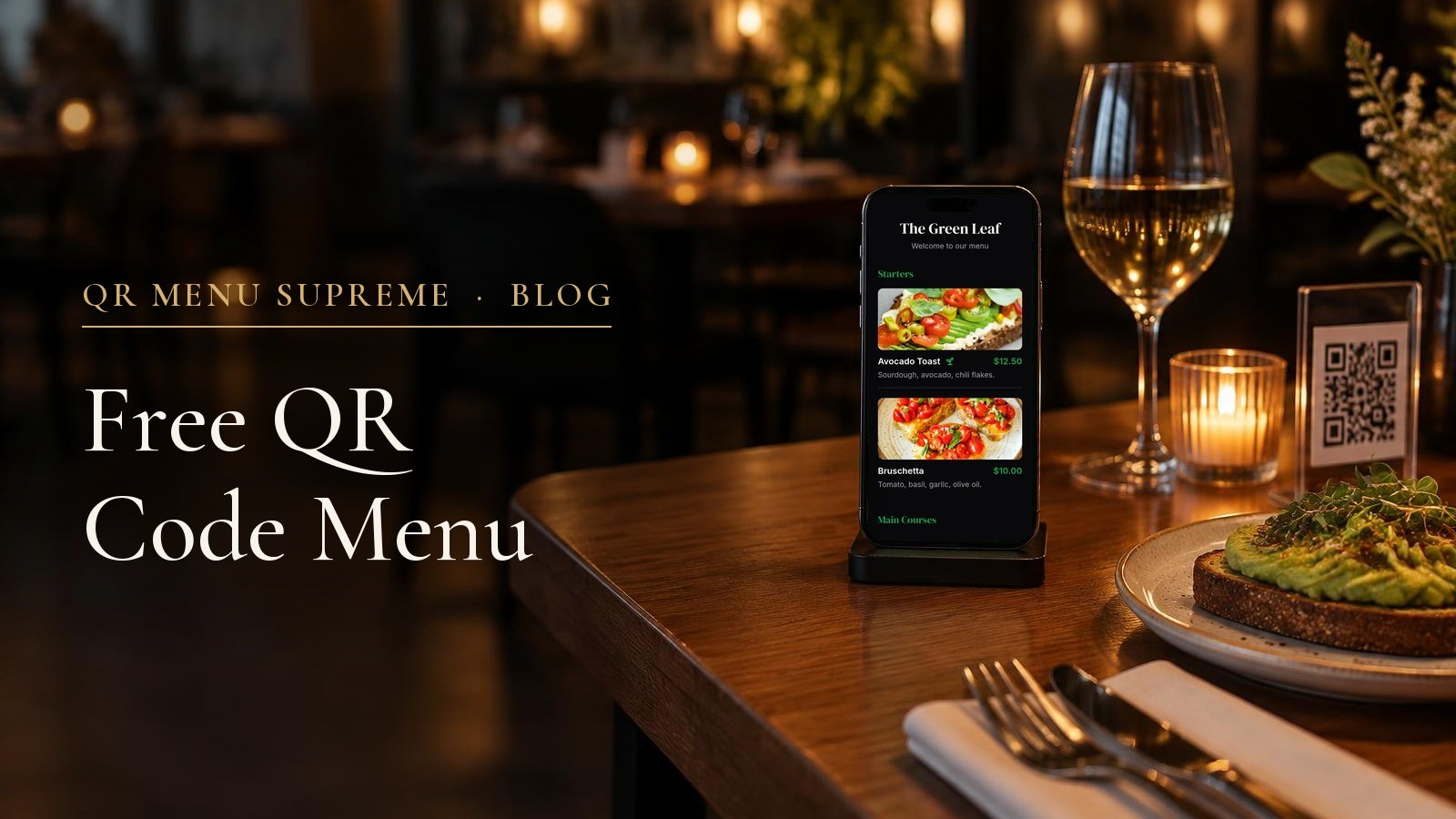
Free QR Code Menu: What You Actually Get for $0
A good free QR code menu opens on any phone without an app. It shows real prices, photos and allergens, and you can change a price without printing a new code. QR Menu Supreme Free does all of this for $0, with no credit card. It holds one menu with up to 20 items, and it is made for testing your real menu before you put the code on every table.
This guide shows what to expect from a free QR code menu, what you get on QR Menu Supreme Free, the one limit to plan for, and when it is worth paying $19 a month.
What a good free QR code menu should do
"Free" can mean very different things. Before you sign up anywhere, check these five points:
- It opens in the browser. Guests scan the code with the phone camera. Nobody should need to download an app.
- It is a real menu, not a picture. Each dish has its own name, price and description, so the text fits the phone screen. A PDF or a photo of the paper menu is hard to read on a small screen.
- You can change it at any time. A new price shows up right away, and the QR code stays the same. You print the code once.
- It shows allergens. In the EU, restaurants must tell guests when a dish contains any of 14 main allergens. A menu that shows them next to each dish makes this easier for guests and staff.
- It keeps working. Some free QR codes stop after a trial or after a number of scans. Check what happens after the first month.
What you get with QR Menu Supreme Free
| Included on Free | What it means for you |
|---|---|
| 1 menu with up to 20 items | Enough for a short menu or a full test of your real menu |
| Opens in the phone's browser | Guests scan with the camera. No app and no login. |
| Dish details | Name, price, description, category and photo for every item |
| Allergens and diet icons | Allergen information and icons such as vegan, on every plan |
| AI menu import | Upload a PDF or a photo of your menu. Free saves the first 20 items. |
| QR code as PNG or SVG | PNG for normal printing, SVG for large prints that stay sharp |
| Live changes | Change a price and guests see it at once. The QR code stays the same. |
| No credit card | You can sign up and publish without payment details |
You can also add your restaurant name, a welcome message and basic information about your place.
Free is made for testing
Free is the easiest way to try QR Menu Supreme with your own menu. Import it, check it on your phone, print one test code and show it to your team and a few regular guests.
Three days after you sign up, the free menu shows a short line at the top for guests: "This is a free version, for testing only." The menu keeps working. When you are ready to use it at every table, Starter removes that line.
The one limit to plan for: 1 menu and 20 items
The 20 items count across your whole account, not per category. Every saved item counts, including items you have hidden for later. Categories do not count, so you can split 20 items into food, drinks and desserts.
| Your situation | Does it fit Free? |
|---|---|
| One short menu with up to 20 items | Yes |
| 20 items split into food, drinks and desserts | Yes, categories do not count |
| 18 items on the menu and 3 hidden winter drinks | No, hidden items count too, so that is 21 |
| A second menu, for example for lunch | No, a second menu needs Starter |
| A PDF menu with 60 dishes | Free saves the first 20, which is enough to test the import |
When you need item 21, you have two simple options: delete an item you no longer need, or move to Starter. Upgrading does not change your menu or your QR code, so the codes you already printed keep working.
Tip: before you sign up, count every item you want to keep, including seasonal and hidden ones. Then you know right away which plan fits.
Not all free QR code menus are the same
Many tools call themselves a free QR code menu, but guests get very different things. This table shows the common types and what to check before you choose.
| Type of free tool | What guests see | What to check |
|---|---|---|
| QR code that opens a PDF | A document they have to zoom and scroll | Hard to read on a phone. Every change means a new file. |
| General QR code generator | A link to a file or a web page | Free dynamic codes may have scan limits or stop after a trial. |
| Simple menu page | A basic web menu | Item limits, ads or provider logos, and whether allergens and languages are included |
| Menu with ordering | A menu with a cart | Fees per order or per payment, and how much setup your staff needs |
| QR Menu Supreme Free | A real menu with photos, prices and allergens | 1 menu and 20 items, and a test note for guests after three days |
QR Menu Supreme has no scan limit on any plan. Guests can open your menu as often as they like.
If your menu is a PDF today, the guide to replacing a PDF menu with a digital menu shows how to move it over step by step.
When $19 a month is worth it
Starter is the plan for using your menu every day. It costs $19 a month, which is about 62 cents a day. You need it when one of these is true:
- Your menu has more than 20 items, or you want a second menu for lunch, drinks or desserts.
- Your menu is going on every table, and guests should not see the test note.
- The menu should look like your restaurant, with your own logo, colors and fonts.
- Guests need help finding things, with menu search, category jump and photo zoom.
- Prices or menus change by time, for example a happy hour with special prices or a menu that only shows at lunch.
- You have guests from other countries. You choose the languages, and guests switch the menu to their language. The guide to multilingual menus without managing translations explains how it works.
The bigger plans add tools for larger or busier restaurants:
| Plan | Price per month | What it adds |
|---|---|---|
| Free | $0 | 1 menu and 20 items, for testing |
| Starter | $19 | Unlimited menus and items, your logo and colors, search, schedules, guest languages, no test note |
| Pro | $49 | Everything in Starter, plus basic analytics, 3 locations and a custom domain |
| White Label | $79 | Everything in Pro, plus no QR Menu Supreme branding, a digital loyalty card and your own domain |
| Max | $149 | Everything in White Label, plus ordering and payments with no commission per order |
With Max, the payment provider still charges its normal card fees. The guide to online ordering without platform commissions explains the difference. For a full yearly budget, including printing and staff time, see what a digital menu costs per year.
How to make your free QR code menu
- Sign up for free. No credit card is needed.
- Add your menu. Upload a PDF or a clear photo and let the AI import it, or type your items. Free saves the first 20 items.
- Check every item. The import is a draft. Read names, prices, categories, descriptions and allergens once.
- Add photos for the dishes you want to show off. You add them in the dashboard.
- Download the QR code. Use PNG for normal printing and SVG for large prints.
- Test it like a guest. Scan the code with an iPhone and an Android phone, on mobile data, while you are logged out.
- Change one price and scan again. The same code should show the new price.
Before you print a stack of cards, read the checklist of QR menu mistakes to avoid. For the full setup, follow the step-by-step QR menu guide.
Frequently asked questions
Is QR Menu Supreme really free?
Yes. QR Menu Supreme Free costs $0 and needs no credit card. You get one menu with up to 20 items, with photos, allergens and a QR code. Free is made for testing: three days after you sign up, guests see a short note that the menu is a free test version. Starter removes that note.
What counts toward the 20-item limit?
Every item saved in your account counts, including hidden items. Categories do not count, so you can split 20 items into food, drinks and desserts.
What happens when I need item 21 or a second menu?
You can delete an item you no longer need, or move to Starter for $19 a month. Starter has unlimited menus and items, and your menu and QR code stay the same.
Do guests need an app to open the menu?
No. Guests scan the QR code with their phone camera, and the menu opens in the browser.
Can guests order from a free QR code menu?
Not on QR Menu Supreme Free. Free shows your menu. Ordering and payments from the table are part of Max at $149 a month, with no commission per order. The payment provider still charges its normal card fees.
Which free QR code menu is best?
Choose one that gives guests a real menu instead of a PDF and lets you change prices without a new QR code. If you want photos, prices and allergens that you can update at any time, QR Menu Supreme Free is a strong place to start, because you can test it with your real menu for $0. If you already know you need more than 20 items, plan for Starter.
Conclusion
A free QR code menu is worth it when guests get a real menu they can read and you can change it in seconds. QR Menu Supreme Free gives you that for $0, so you can test it with your own menu before you pay anything. When your menu grows past 20 items or goes on every table, Starter takes over for $19 a month, with the same menu and the same QR code.
Upload your PDF or a photo of your menu and see it on your phone in a few minutes. No credit card needed.
Editorial note: Plans and prices were checked on 2 November 2026. They are monthly list prices in US dollars and can change.
See a live QR menu in 10 seconds
Browse the showcase demo restaurant, built with QR Menu Supreme.